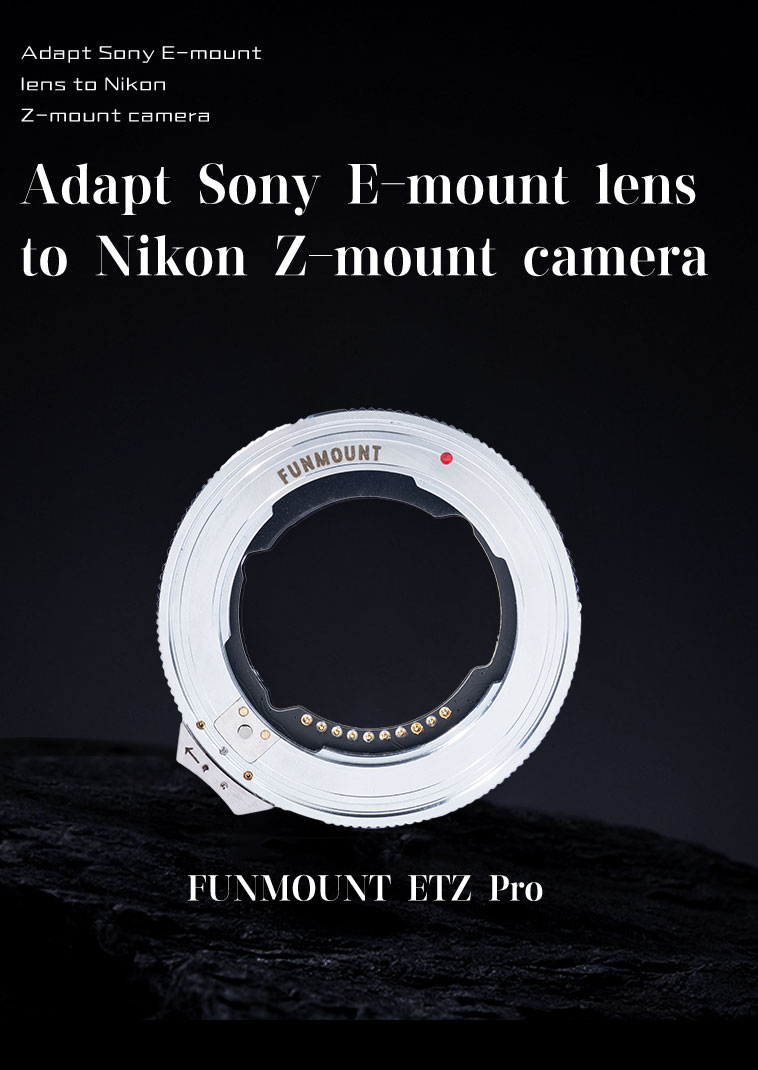
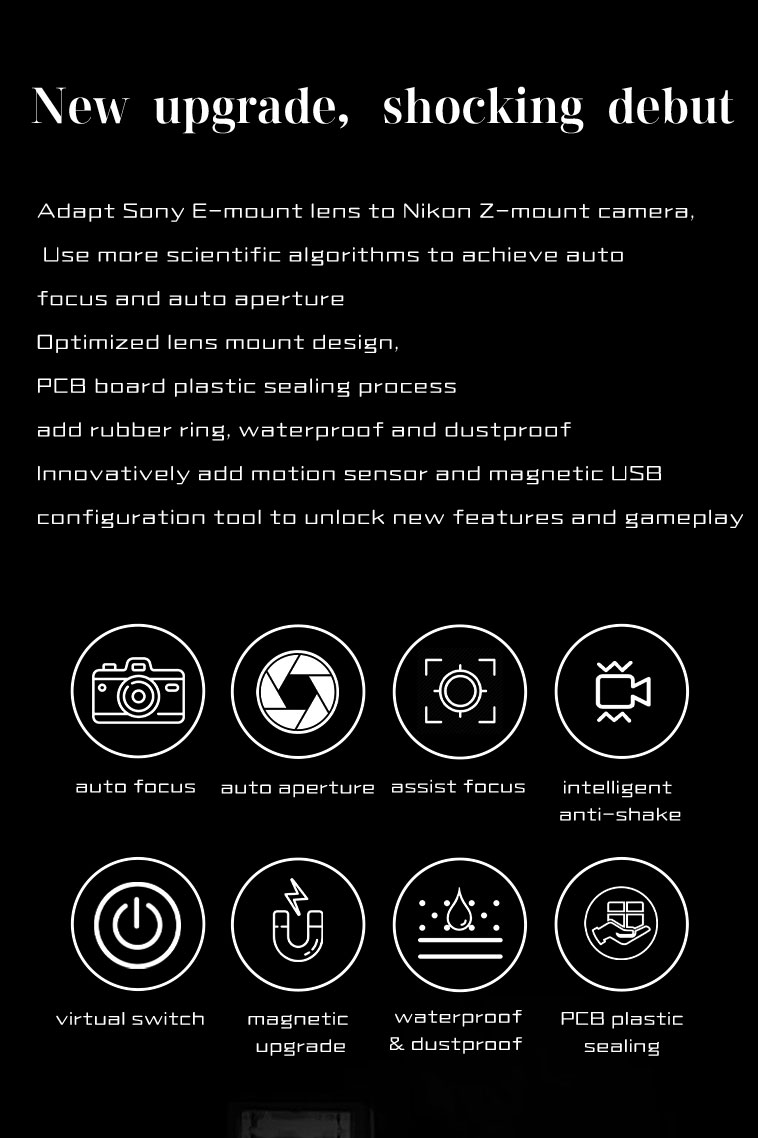
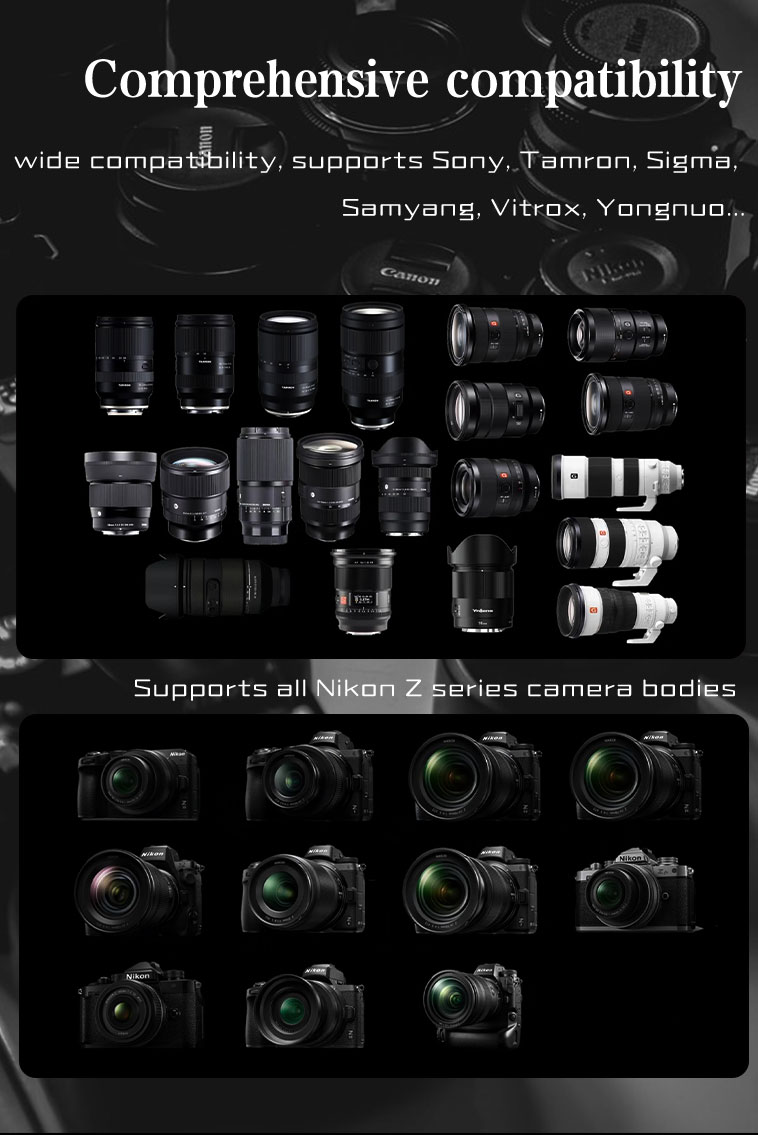
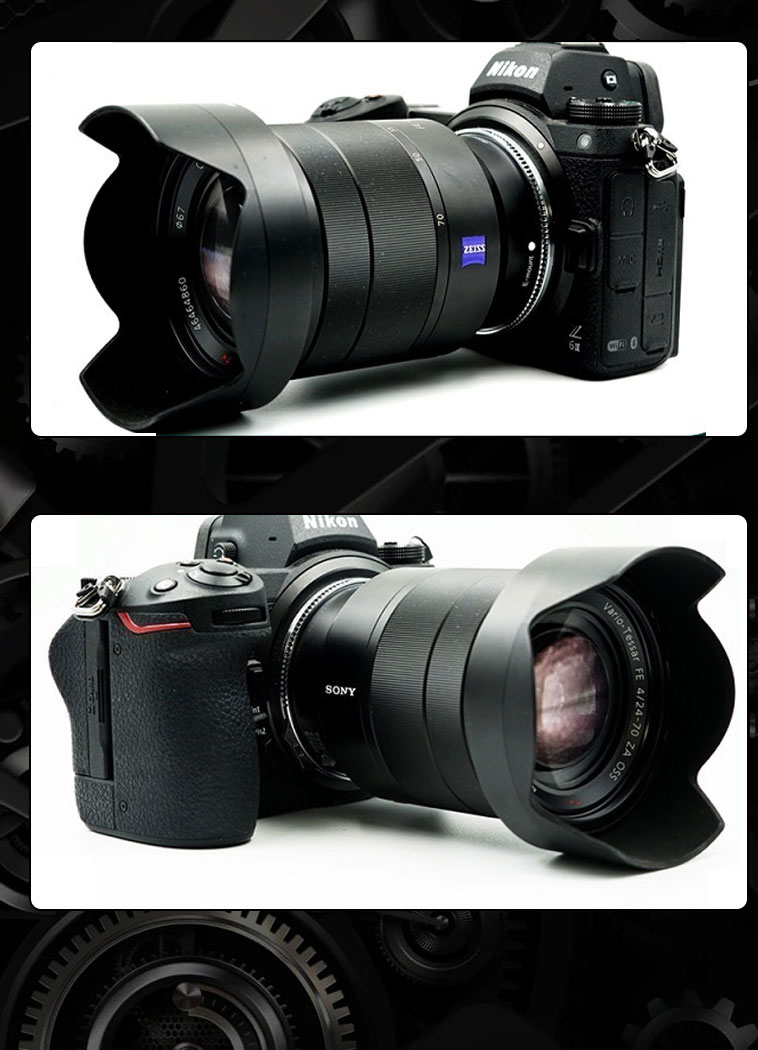
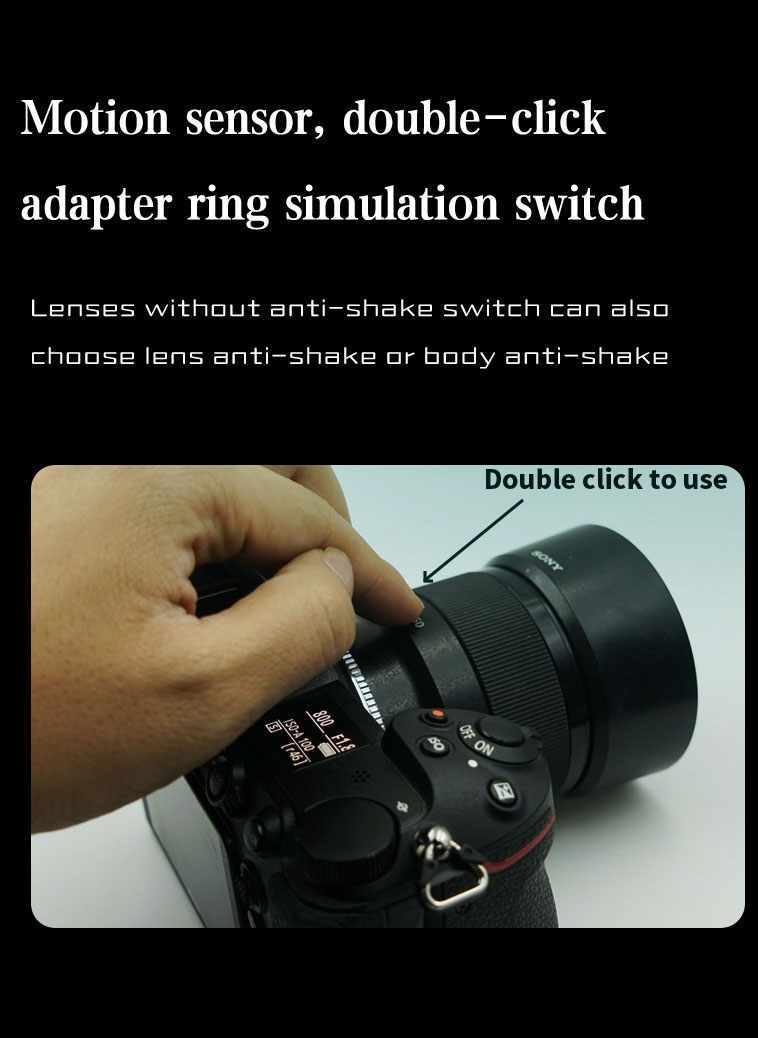
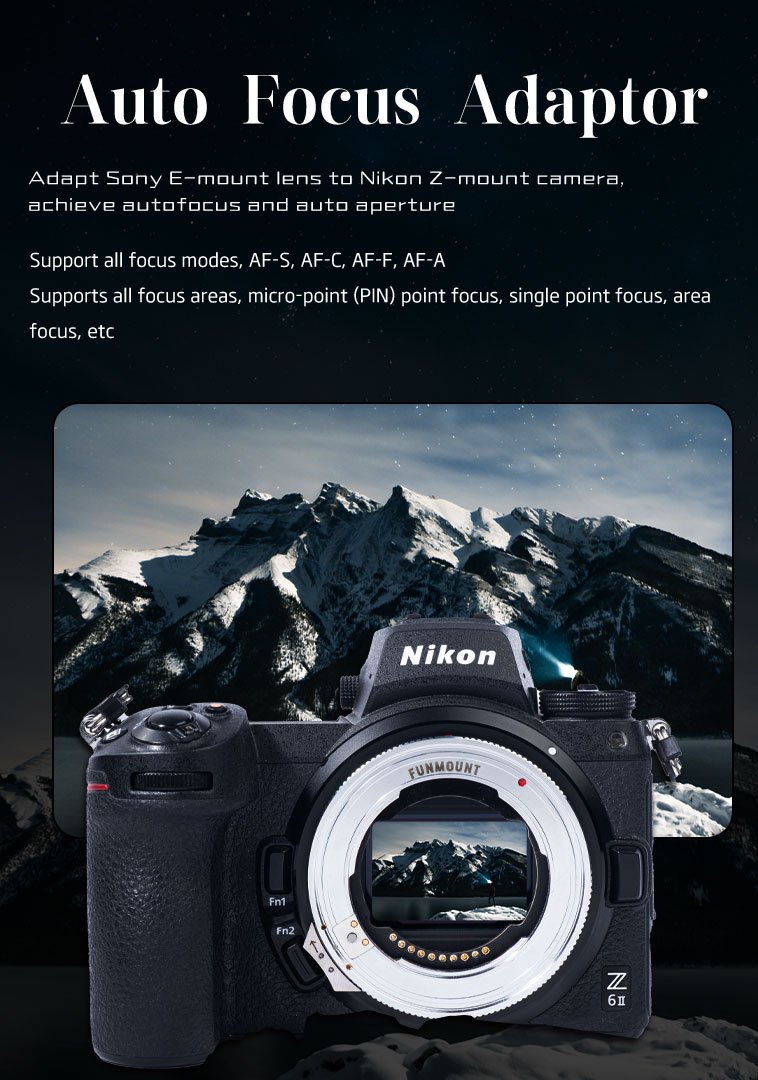
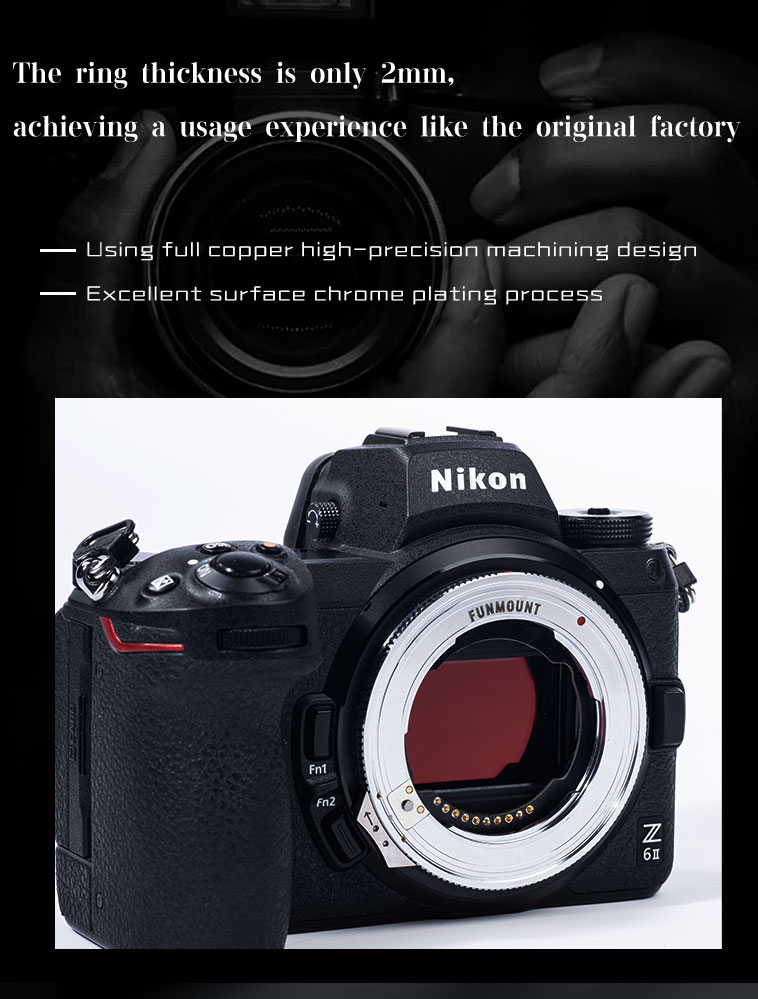
FM-ETZ is built on a deep understanding of Sony E-mount lenses and Nikon Z-mount bodies, with fully upgraded hardware and software that bring Sony E lenses to Nikon Z cameras with autofocus and full functionality. Computing performance is improved, and a motion sensor plus a magnetic USB configuration tool unlock entirely new features and ways to shoot. The software framework was redesigned from scratch, using more scientific algorithms on top of the original Sony and Nikon protocols for more precise focusing.
Every build ships with its own release notes — please confirm the model and version before upgrading.
For the changes to Z8 3.0 firmware, Only for Z8 machine 3.0 firmware has the following points to note:
Remove the adapter from the camera and lens first — the whole process takes about a minute.
Remove the adapter from the camera and lens before upgrading.
Prepare a Windows PC or a Mac (if an upgrade fails on macOS, retry on a Windows computer).
Download the matching firmware package from the Firmware Downloads section on this page — all earlier builds are hosted here too.
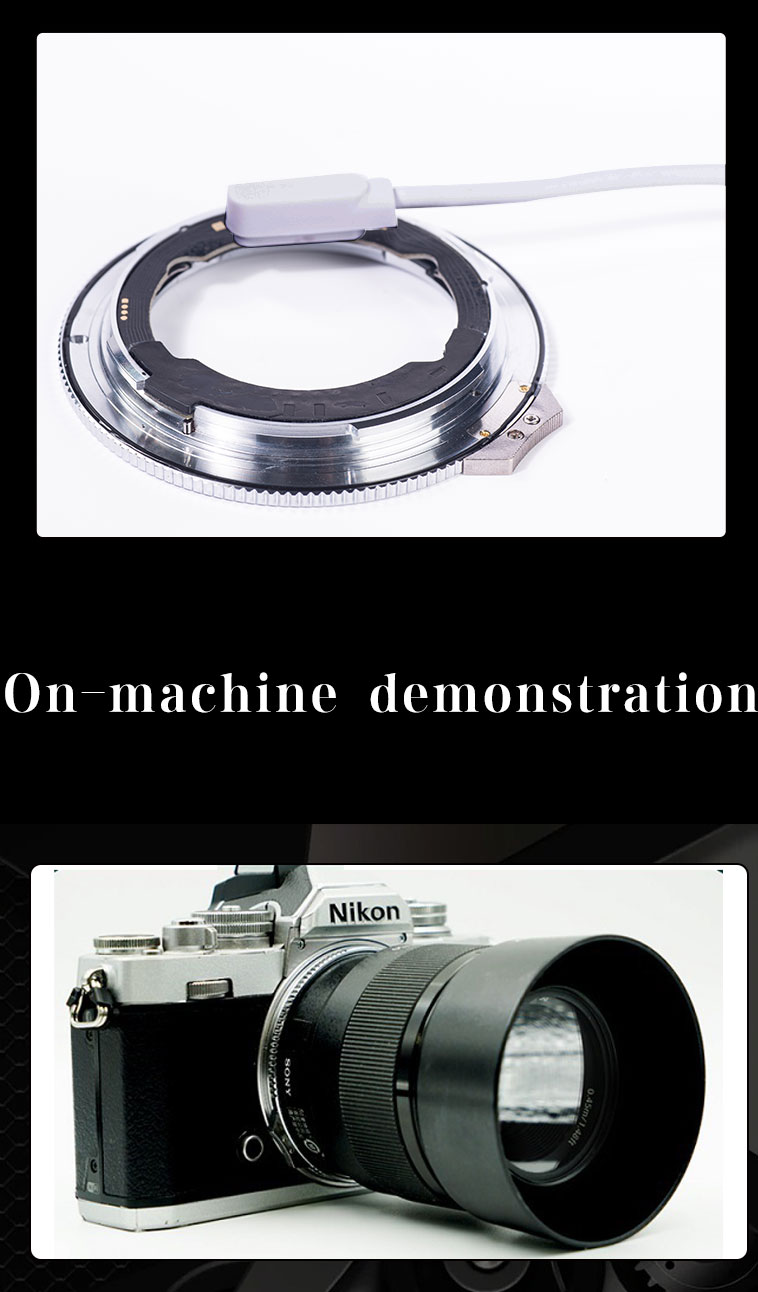
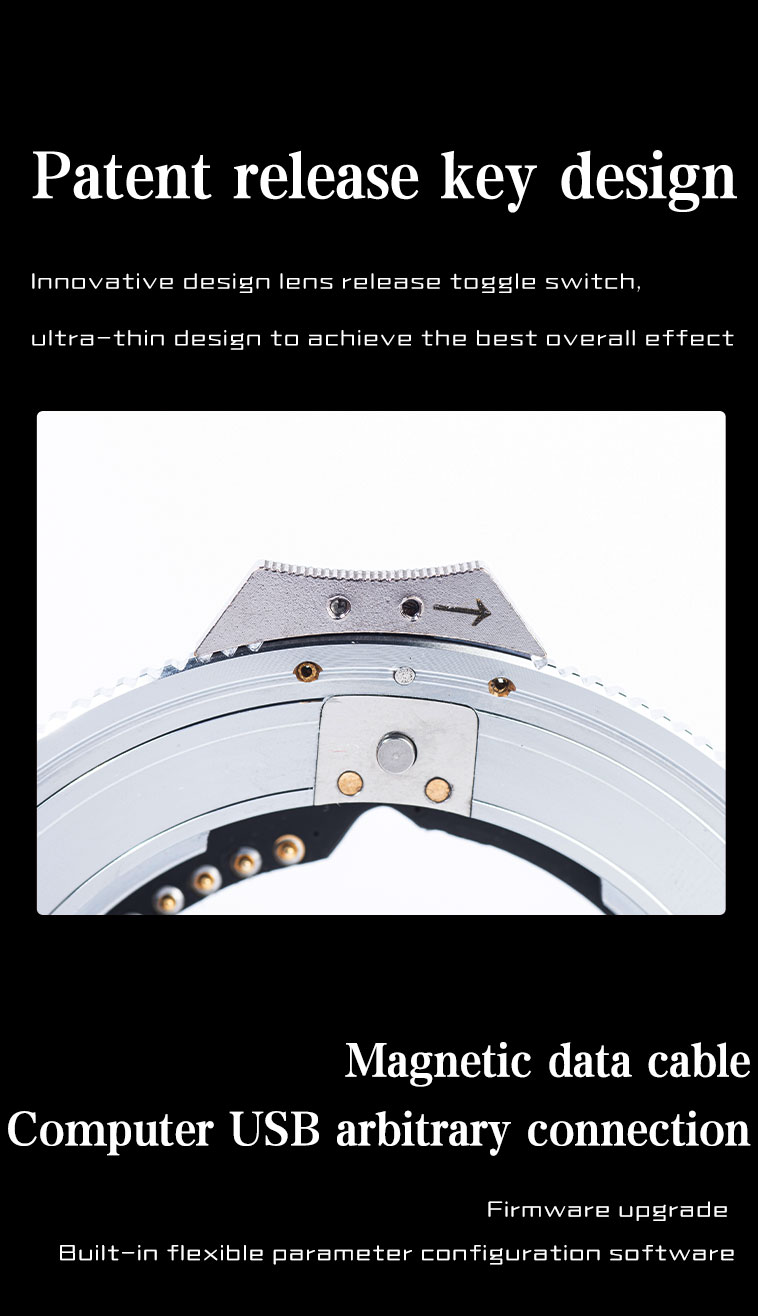
Place the supplied magnetic USB cable on the firmware upgrade contact and plug the other end into your computer. An “FM-ETZ” USB drive appears — unzip the file and copy the firmware named FM-ETZ_Vx.x.x into it. Copying completes the install; unplug the cable to finish.
After upgrading, reconnect the adapter to the computer — the file named after the firmware version is your current version. You can also check it in the camera body firmware menu.
The complete record of every firmware iteration, including early builds that were never published as standalone packages.
Click any image to enlarge; use ← / → to browse.
Failed upgrade, version check or compatibility questions — our support team can help one to one.